 Chessory
How it works
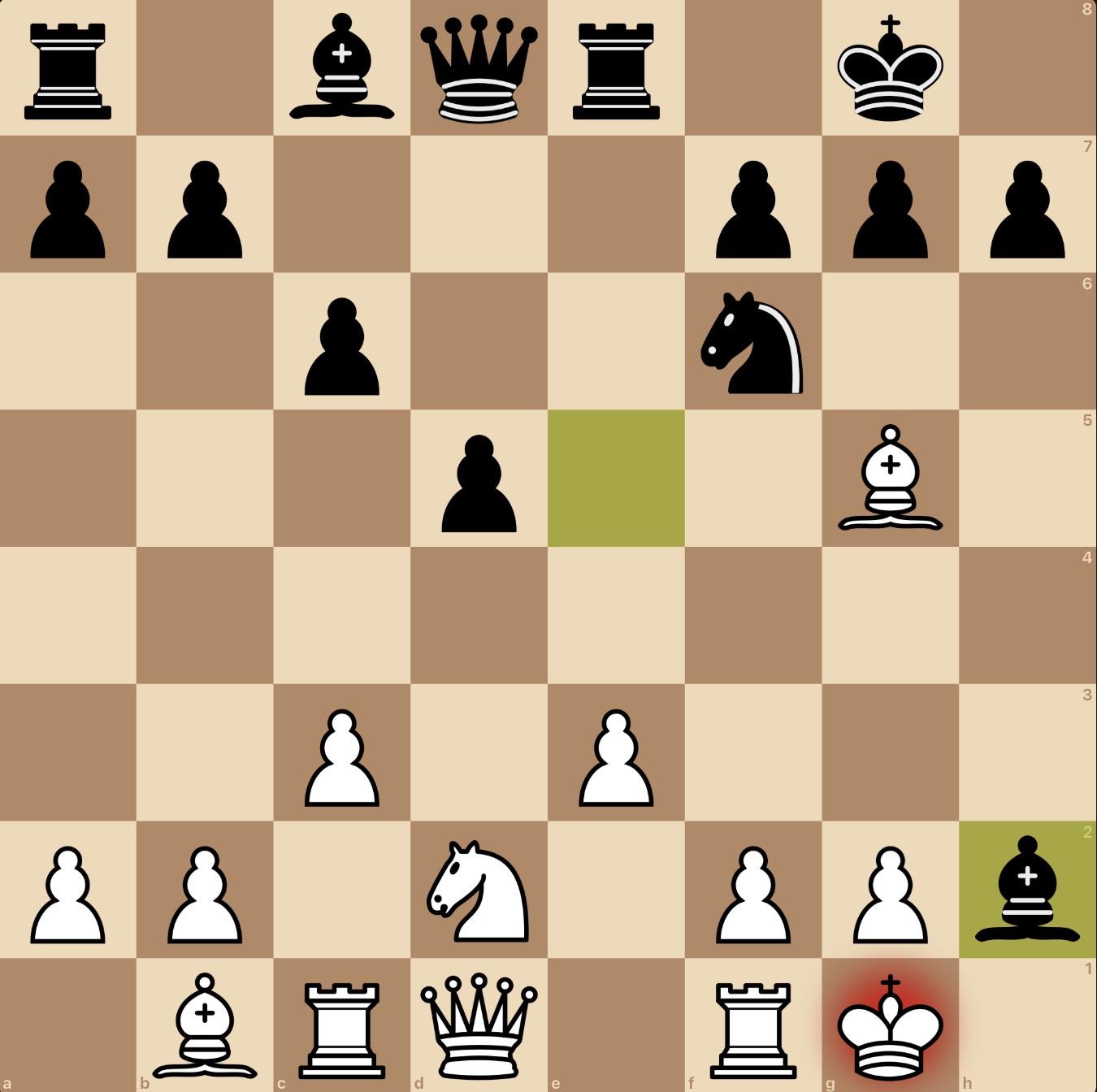
- Take a photo or screenshot of the position. Crop it so that only the position is visible – the board, nothing else.
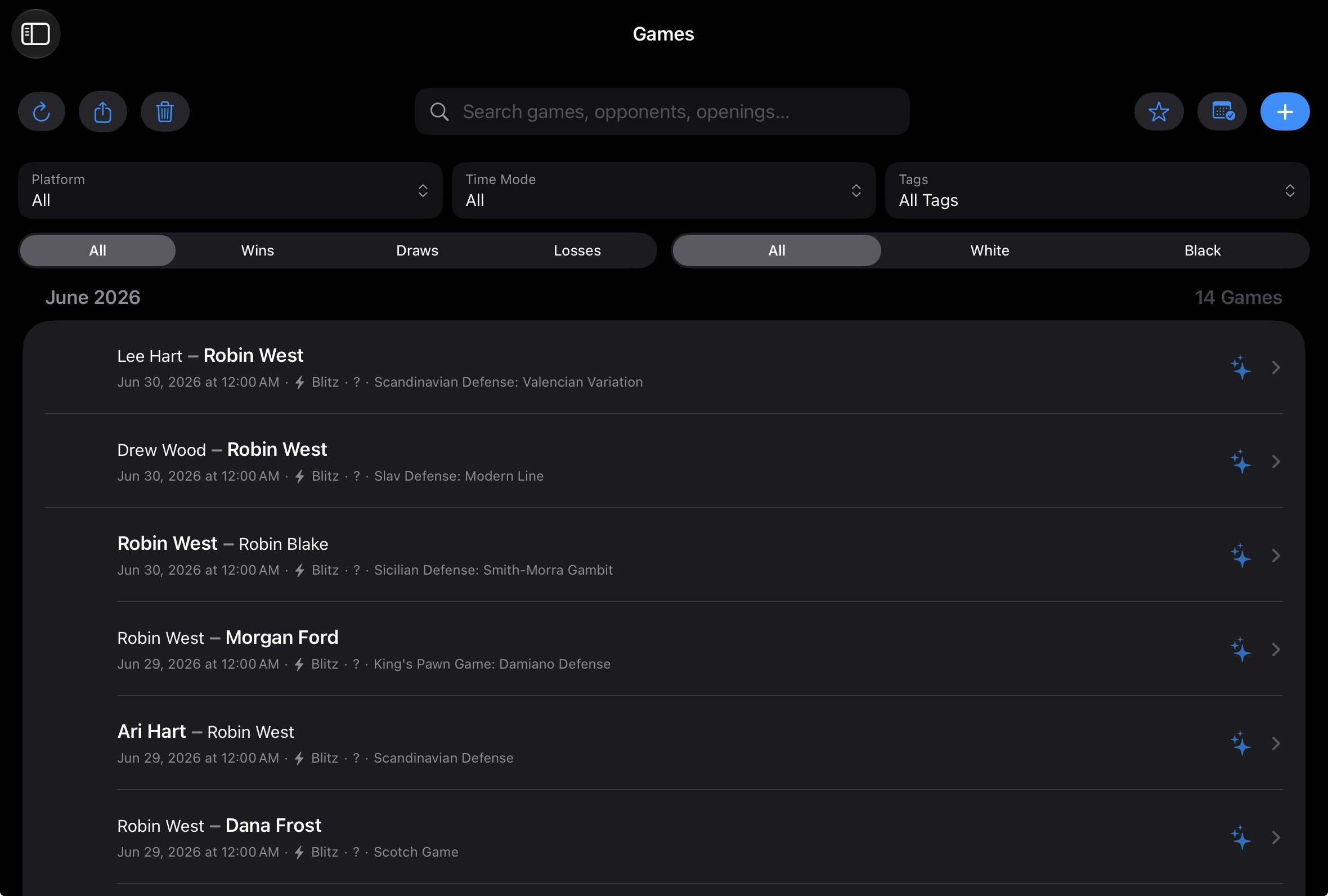
- In Games, tap + at the top right.
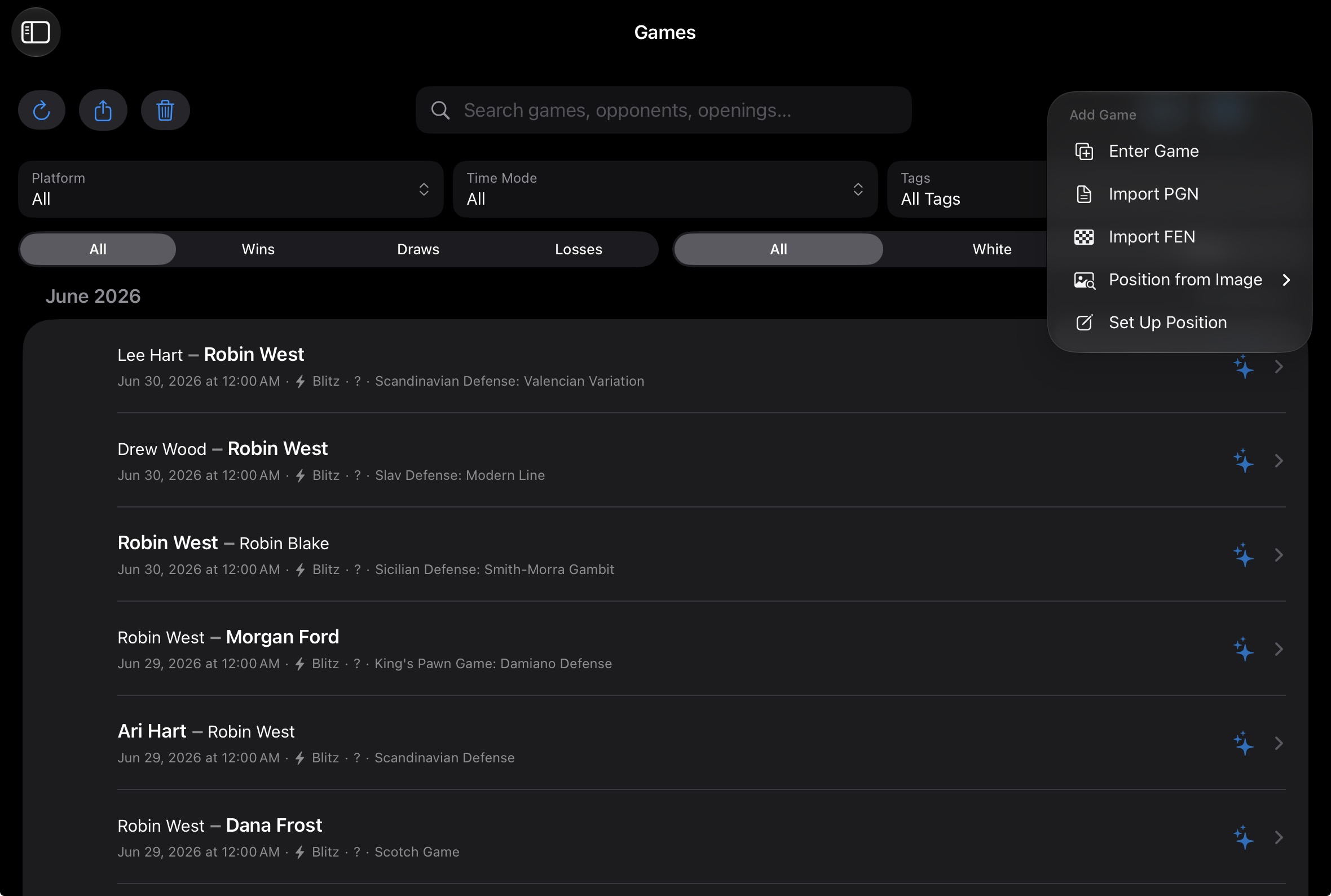
- Choose Position from Image and select your photo.
- Check the detected position. Set who is to move, which side you play and which castling rights still exist.
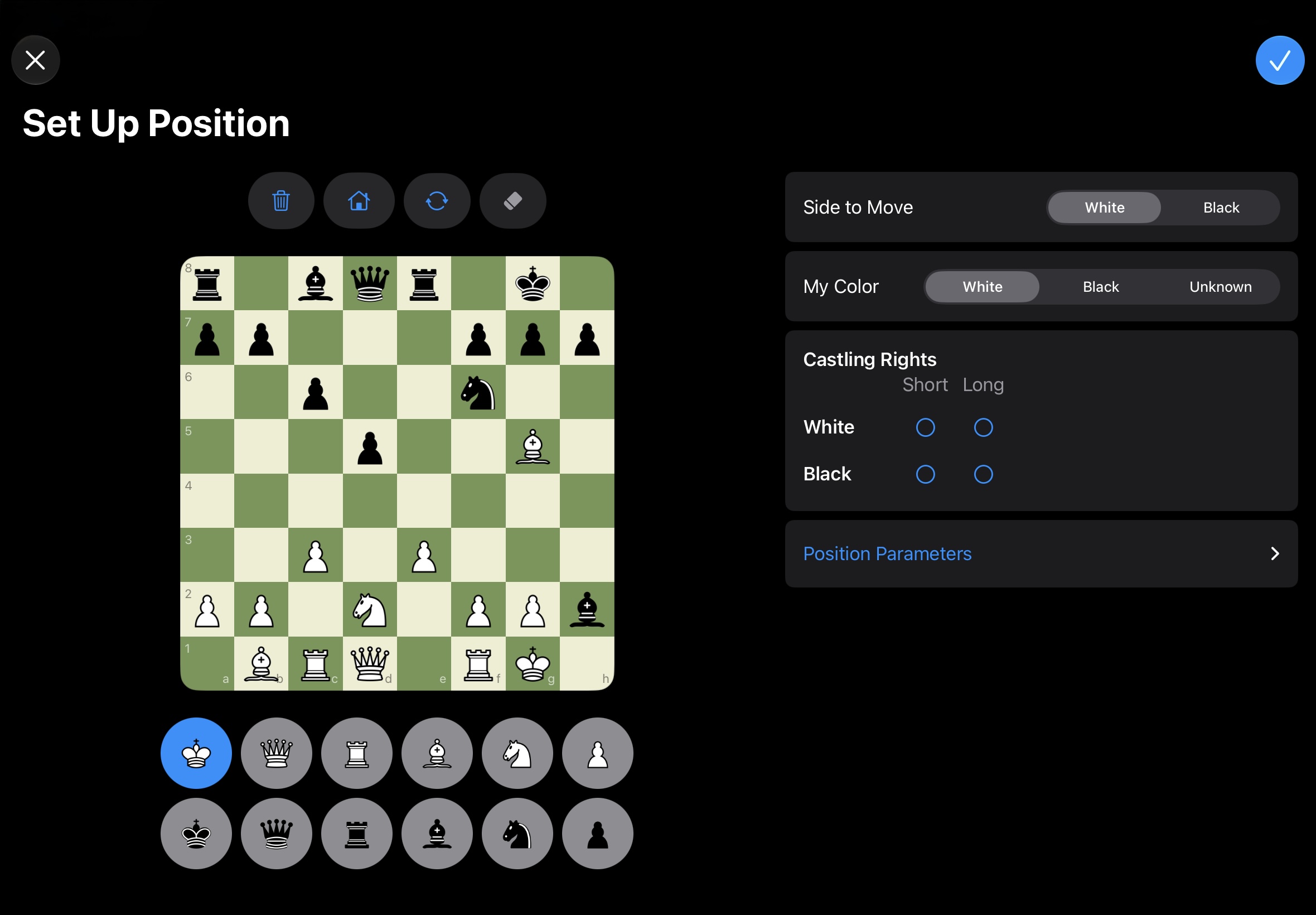
- Tap the checkmark at the top right to take over the position.
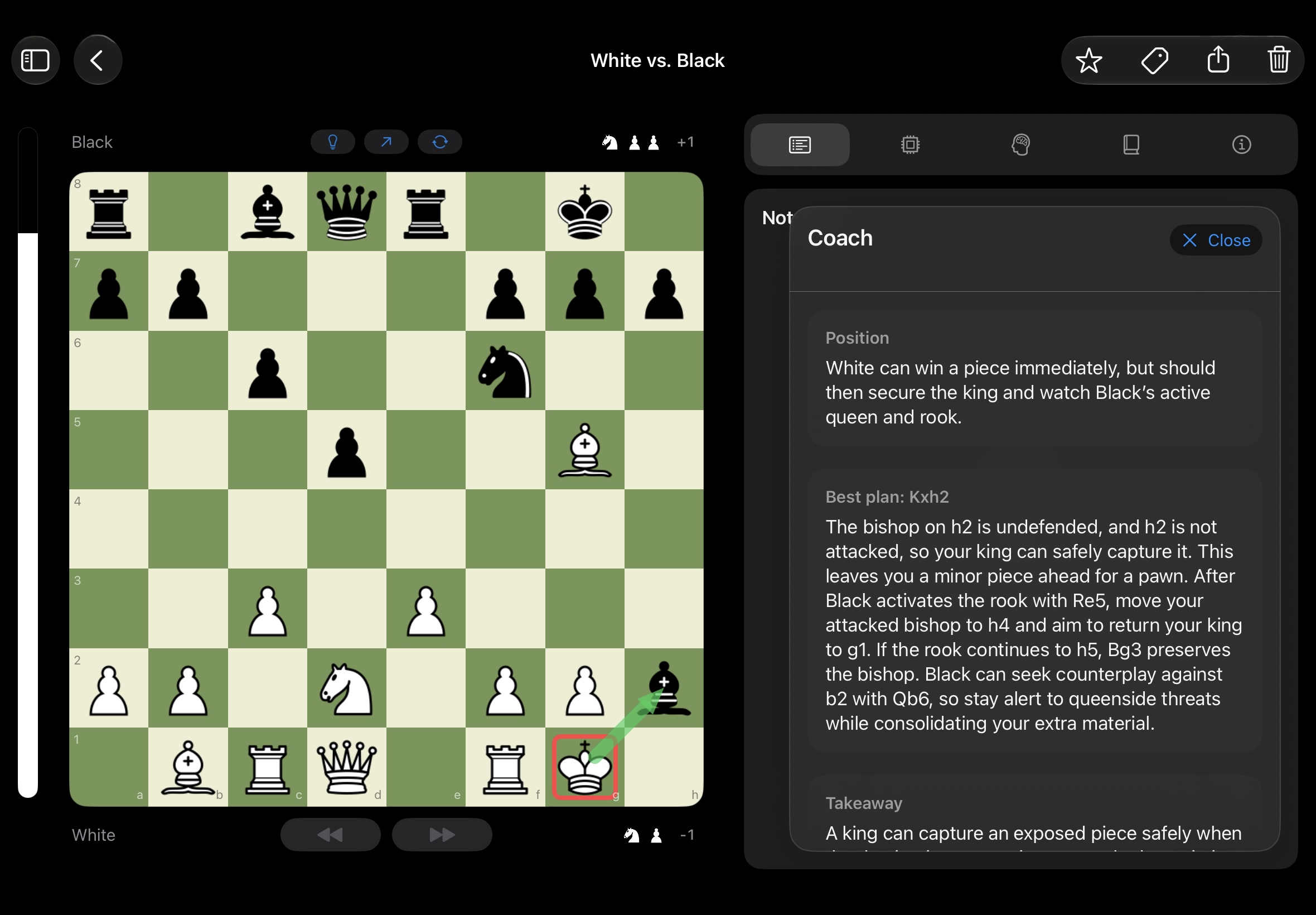
- Above the board, tap the lamp to let your AI coach explain the position.
Pro tips
A photo gives you one position, not a whole game or move list.
Always double-check the detected position before you rely on the analysis.
A sharp, straight-on picture, cropped tightly to the board, makes the job easier.