Home / Guides
Guides
Get more out of every game.
Short videos, clear steps. In a few minutes you'll know how to bring in your games, find your mistakes and let your AI coach explain them.
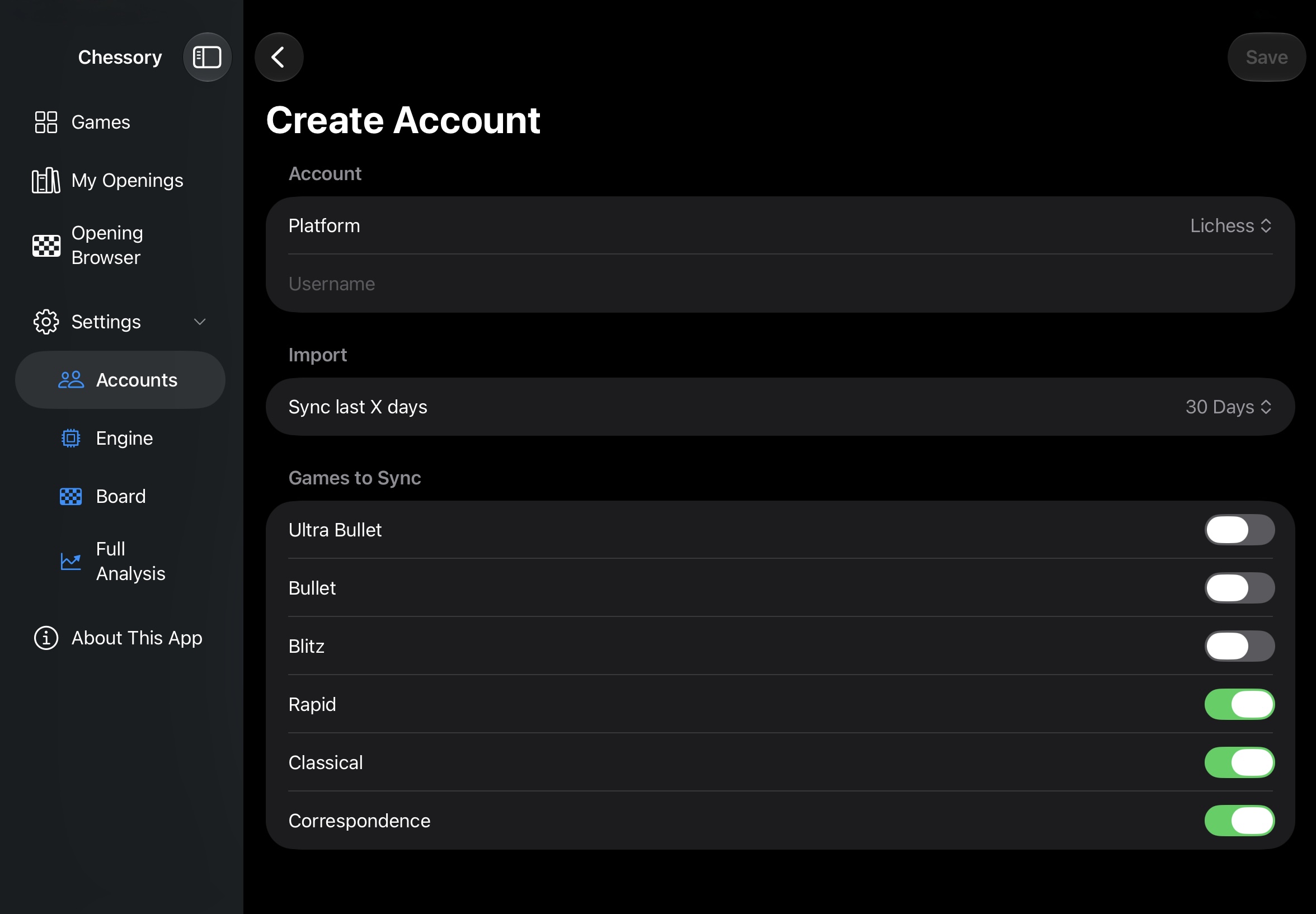
Your Lichess and Chess.com games. All in one place.
Connect your Lichess or Chess.com account once – then bring your online games into Chessory, ready for analysis.
Watch the guide →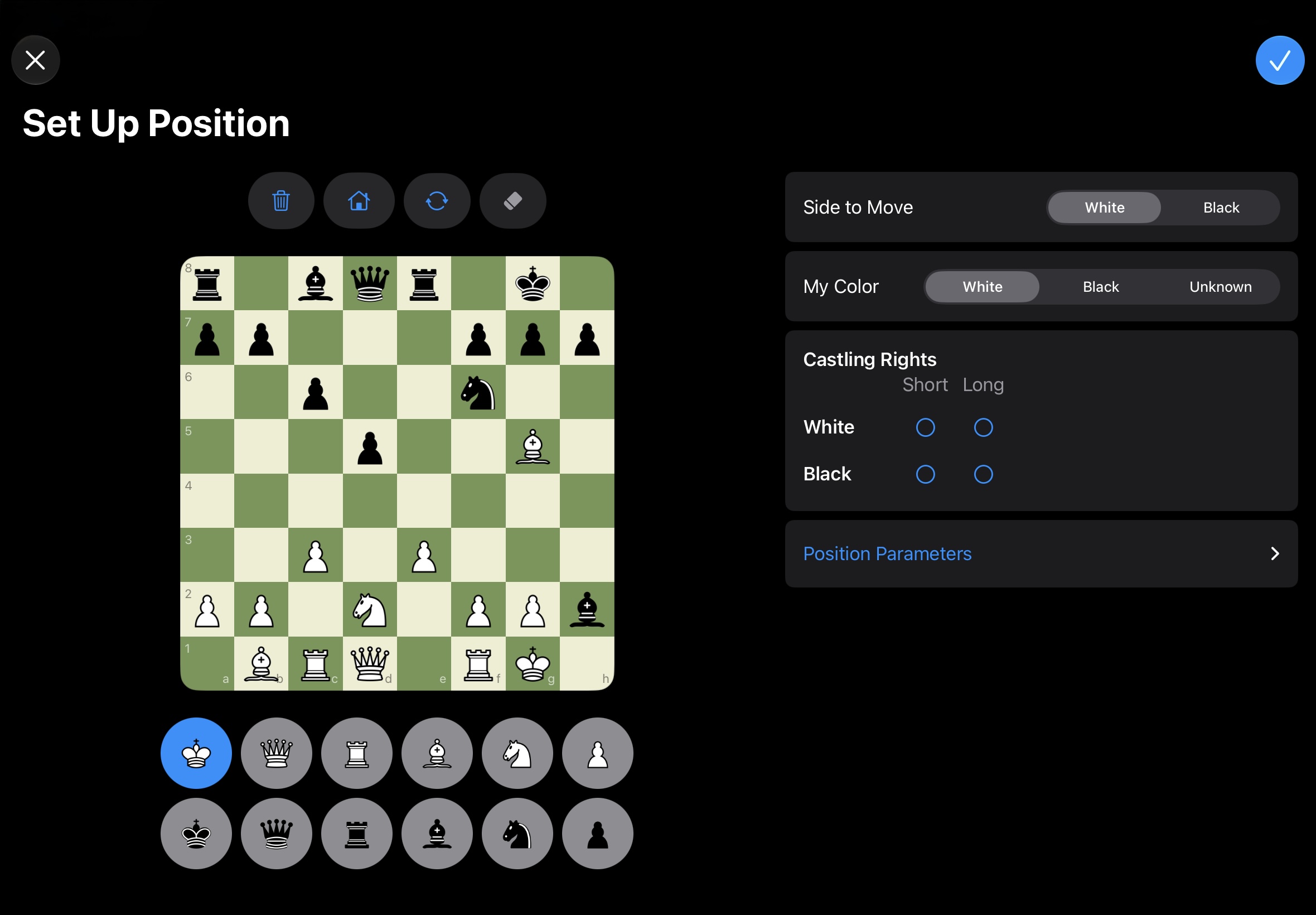
Snap a photo. Get the position. Analyze.
Book diagram, real board or screenshot: Chessory turns a picture into a position you can analyze – no manual setup.
Watch the guide →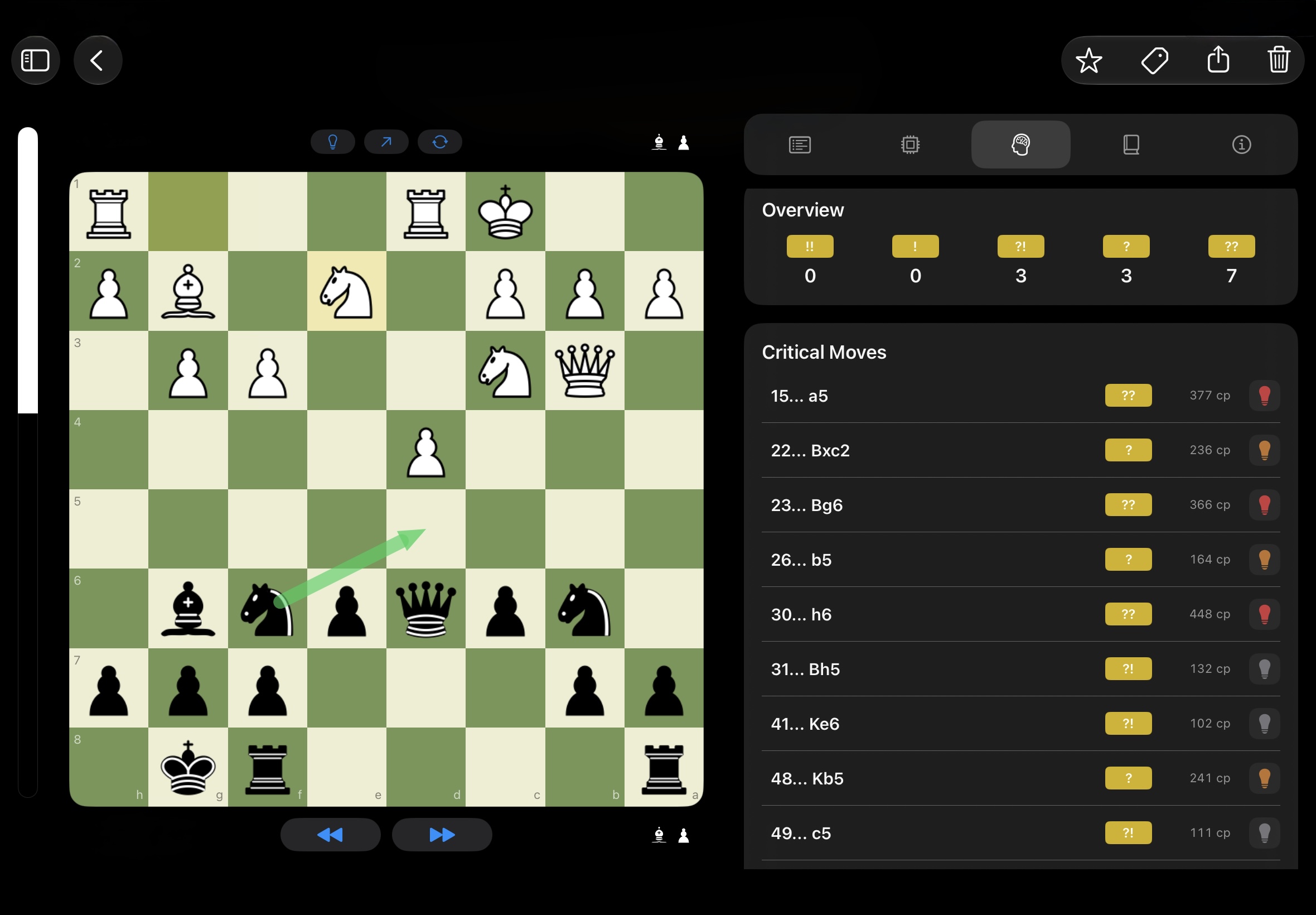
Find the moves that decided your game.
The engine reviews your entire game, shows every mistake and critical moment – and what you could have played instead.
Watch the guide →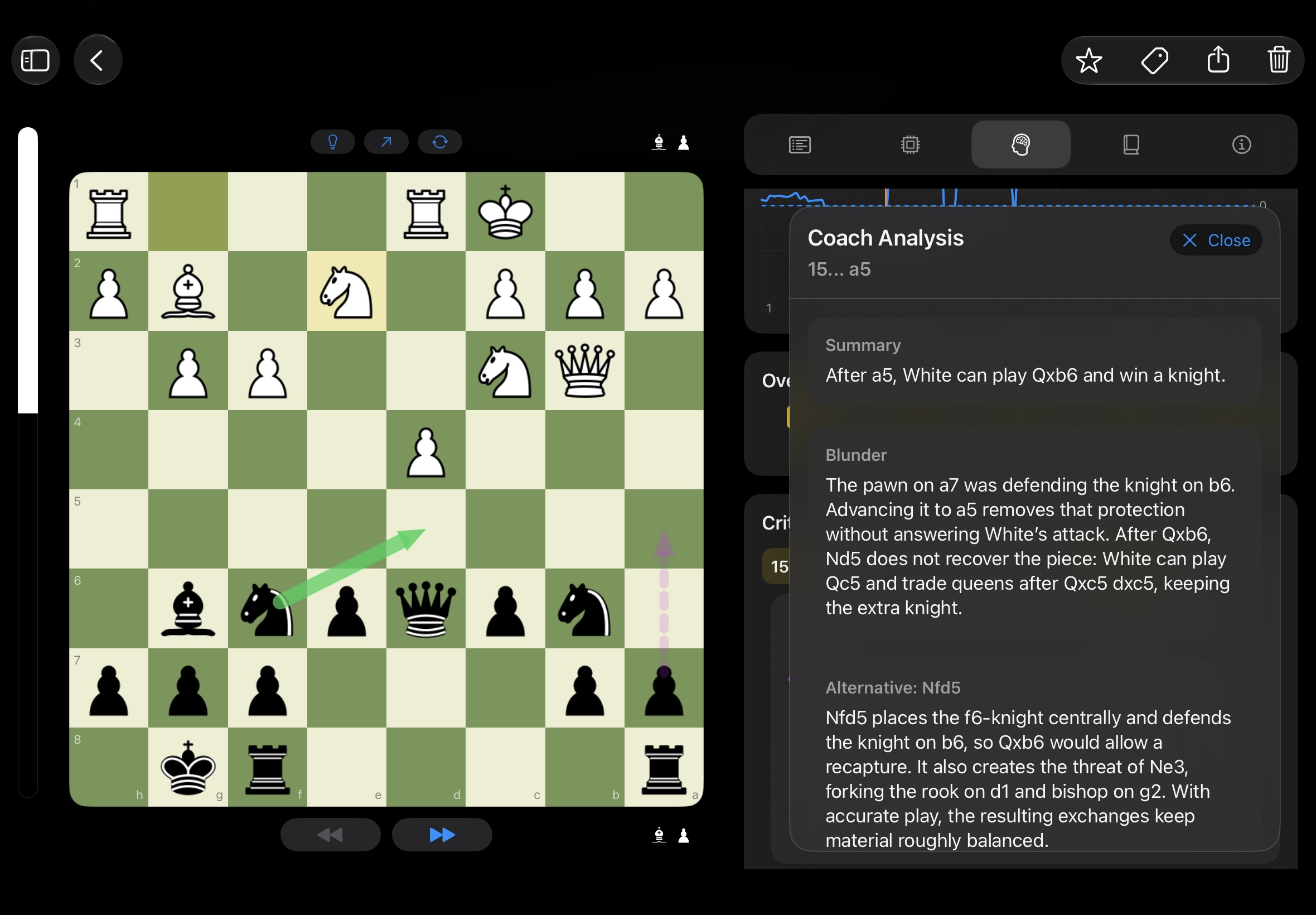
Your AI coach explains why.
One coach explains your mistakes, the other any position – in plain language instead of engine numbers.
Watch the guide →Every game counts – including the ones from your club.
Enter over-the-board games, set up any position, import FEN and PGN, export your games.
Watch the guide →Start on iPad. Continue on iPhone.
Your whole database, including every full analysis, on every device synced via iCloud.
Watch the guide →
Try it with your own games.
Download Chessory and turn your next game into your next lesson.